Why Your Business Is Not Showing on Google Maps
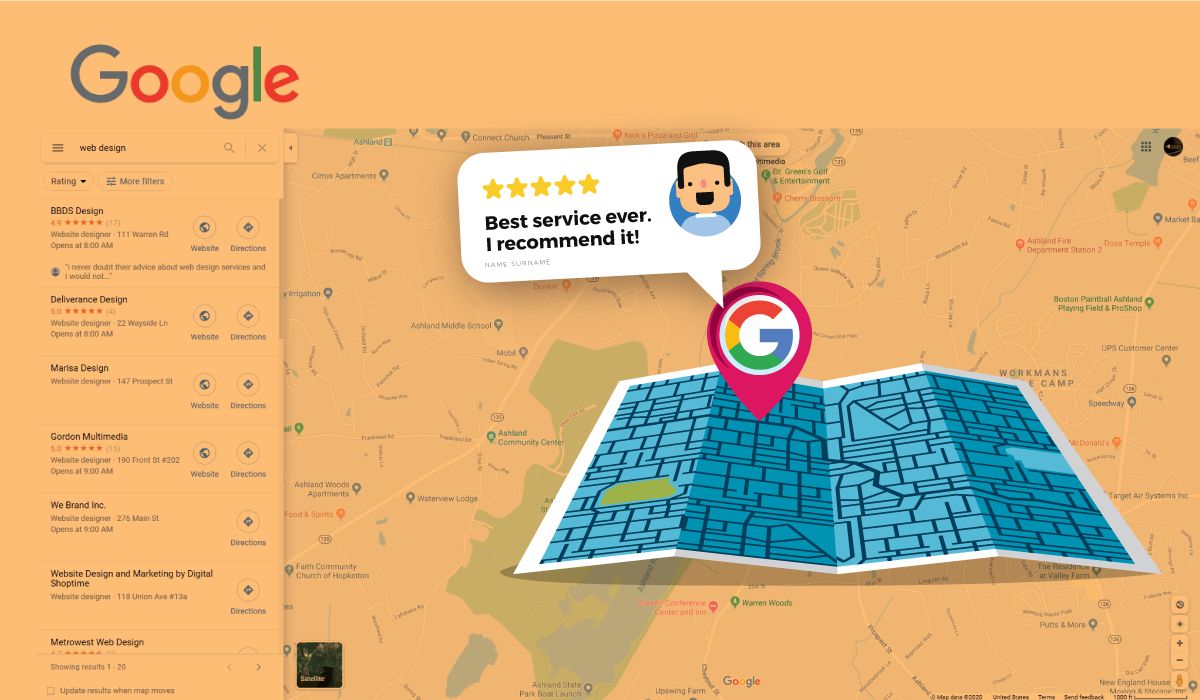

Common Reasons Your Business Is Not Showing on Google Maps
1. Unoptimized Google Business Profile
One of the most common reasons businesses fail to appear in Google Maps is an incomplete or poorly optimized Google Business Profile. Google uses the information on your profile to understand what your business does and where it should appear in search results. If key details such as business description, services, operating hours, and images are missing, Google may not have enough information to confidently show your listing to potential customers.
2. Incorrect Business Categories
Choosing the wrong primary or secondary business category can significantly affect your visibility. Google relies heavily on categories to determine which searches your business should appear for. If your primary category does not accurately represent your services, your listing may not appear when customers search for businesses like yours.
3. Weak Local SEO Signals
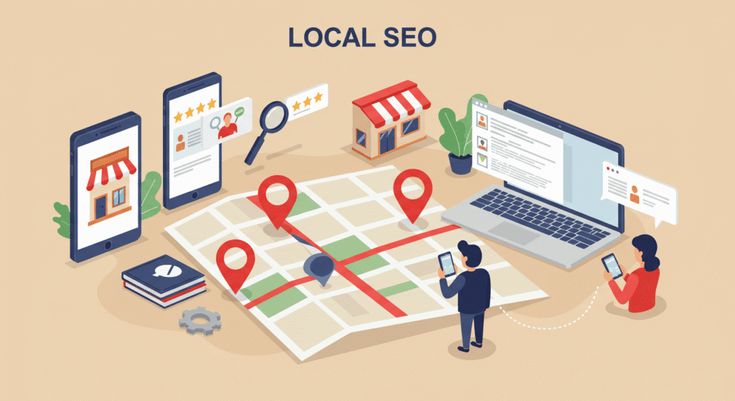
Local SEO signals help Google understand how relevant and trustworthy your business is within a specific geographic area. If your website lacks location-specific content, structured data, or local keywords, Google may struggle to associate your business with searches occurring in your city or service area.
4. Few Customer Reviews
Reviews play a major role in Google Maps rankings. Businesses with more positive and consistent customer reviews tend to rank higher because reviews signal credibility and customer satisfaction. If your business has very few reviews—or none at all—it may be harder for Google to determine the trustworthiness of your listing.
5. Inconsistent Business Citations (NAP)
NAP stands for Name, Address, and Phone Number. These details must be consistent across your website, Google Business Profile, and online directories. If Google finds conflicting business information across the web, it may reduce trust in your listing, which can negatively impact your Google Maps visibility.
How Businesses Can Improve Their Google Maps Visibility
1. Optimize Your Google Business Profile
Start by completing every section of your Google Business Profile. This includes writing a clear business description, selecting the correct categories, adding services, uploading high-quality images, and regularly posting updates. A fully optimized profile helps Google understand your business and increases the likelihood of appearing in local search results.
2. Build Consistent Citations
Citations are online listings that mention your business name, address, and phone number. Examples include directories like Yelp, Yellow Pages, Apple Maps, and Bing Places. Ensuring that your business information is identical across all listings strengthens Google's confidence in your data and improves your chances of ranking on Google Maps.
3. Generate Customer Reviews
Encouraging satisfied customers to leave reviews can dramatically improve your visibility in local search results. Reviews signal trust and engagement to Google, and businesses with strong review profiles often appear higher in map pack results. Responding to reviews—both positive and negative—also demonstrates that your business actively engages with customers.

4. Strengthen Local SEO Signals
Your website should support your Google Business Profile by providing clear geographic relevance. This can include location-based service pages, local keywords, and structured data that helps search engines understand your business location and services. The stronger your website's local SEO signals are, the easier it becomes for Google to associate your business with relevant searches.
5. Build Local Backlinks
Backlinks from reputable local websites help establish authority and credibility. Links from local news sites, business directories, industry publications, and community organizations can significantly strengthen your local SEO profile. These signals tell Google that your business is recognized and trusted within the local community.
How Google Maps Ranking Works
1. Relevance
Relevance refers to how closely a business listing matches a user’s search query. Optimizing business categories, services, and business descriptions helps Google understand what your company offers.
2. Distance
Distance considers how close your business is to the location used in the search. If someone searches for a service near them, Google will prioritize businesses located nearby. Even if your business is highly optimized, it may not appear for searches occurring far outside your service area.
3. Prominence
Prominence measures how well-known and authoritative a business is online. Factors such as the number of reviews, quality of backlinks, website authority, and overall brand presence influence prominence. Businesses with stronger online reputations typically rank higher in Google Maps.

SEO Benefit
Problem-solution pages often rank well because users search for them when they are actively looking for answers. These pages can generate additional organic traffic and pass authority to service and city pages through internal linking.
Need Help Improving Your Google Maps Rankings?
.png)
Ready to take your online presence to the next level?
Learn more about SEOGorillas or contact our team to get started.


-Logo.wine.svg)

.png)
